Handbook Buttons: Link directly to your files with custom buttons
You can now add custom buttons to your Handbooks that open documents you upload to Involve School Portal. This makes it easier for Handbook readers to access key documents—such as policies, guides, or directions—directly from your Handbook pages.
What's changed:
• Add custom buttons anywhere in your Handbook content
• Link buttons to open documents within the Involve School Portal
• Customise button appearance to match your school's style
The configuration is very simple.
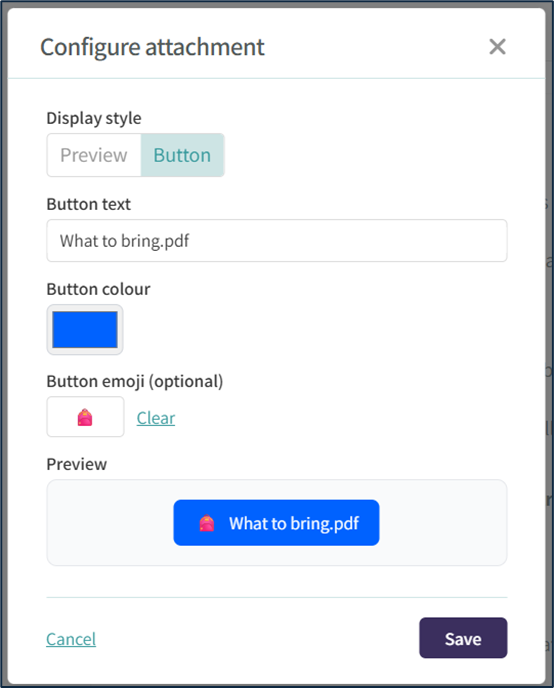
The end result gives you a lot more flexibility.
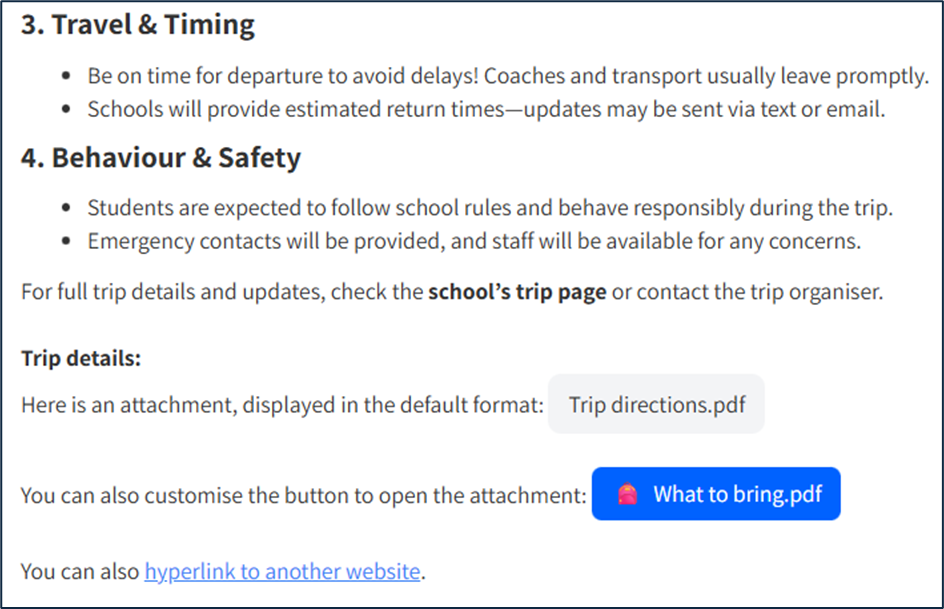
Why this matters: No more managing separate shared drives linked to handbooks or worrying about broken links. Documents stay in a single secure location with consistent access controls, while your Handbooks become a more powerful hub for important information.
Note: Custom hyperlinks continue to work as before, allowing you to link to external websites alongside your Portal documents.
2